Menu
User Menu
Why I Built HyperTodo: A To-Do App Focused on Today
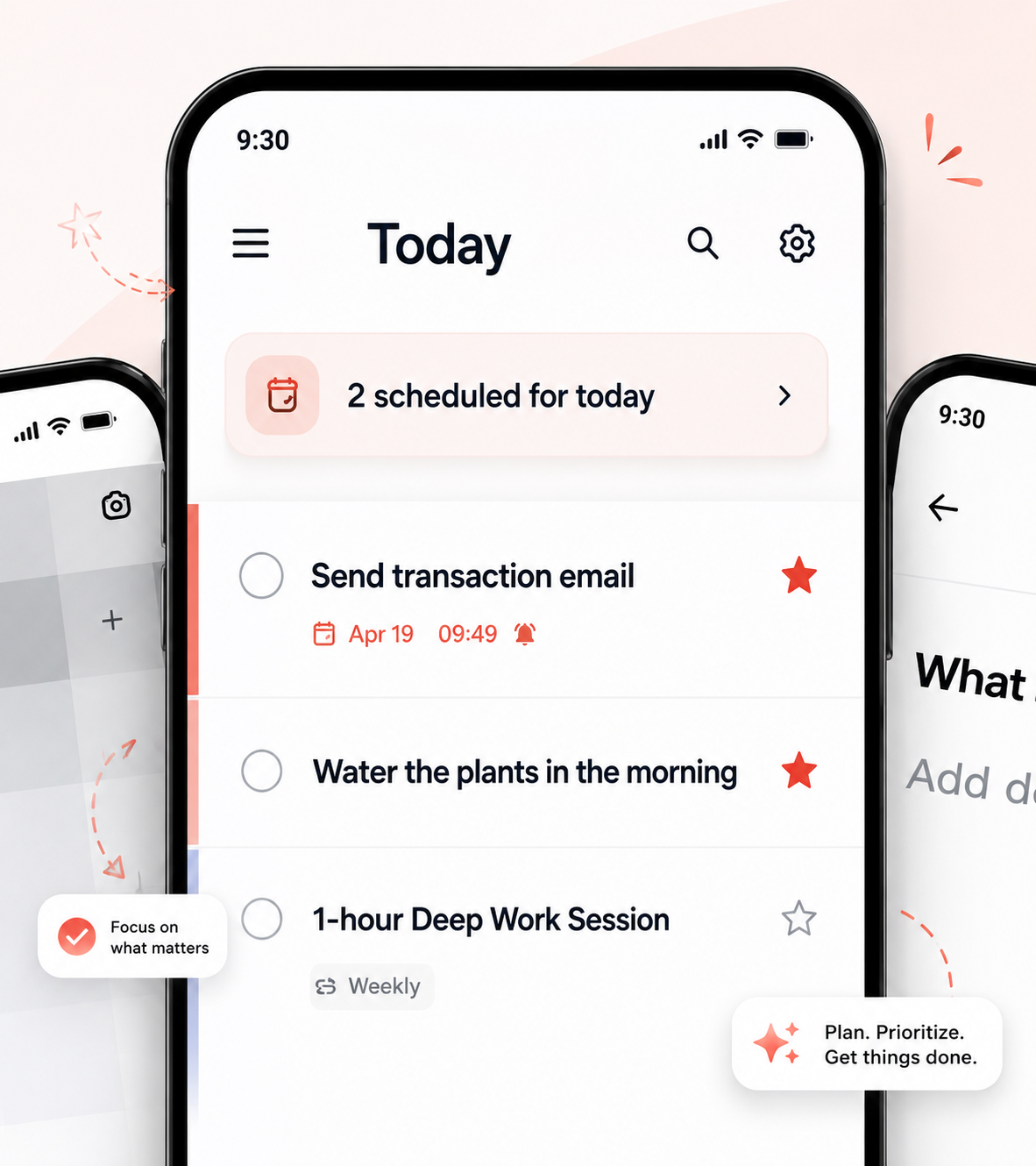
I have tried many to-do apps over the years.
I have used Todoist, TickTick, and even the default Reminders app for quite a long time. They were all good apps. Once you actually use them, it is easy to understand why so many people like them.
Each app has its own strengths, and there were definitely features that worked well for me.
But after using them for a long time, I also began to notice a few things that did not quite fit the way I wanted to manage my day.
So in this post, I want to share my personal experience with Todoist and TickTick, and explain why I decided to create HyperTodo.
Todoist is great for organizing tasks in a structured way. You can divide your work into projects, set priorities, and manage tasks by date. The overall workflow feels clean and well designed.
However, over time, I felt that organizing my tasks became another task in itself. Also, some of the important features require a paid plan, which may not be ideal for everyone.
TickTick, on the other hand, offers many features and can be used quite well for free. In fact, TickTick was the to-do app I used for a long time. I liked that it included a calendar, habit tracking, and even a Pomodoro timer inside one app.
Overall, I was quite satisfied with it.
But with many to-do list apps, there is a common problem.
At first, you use them well. You add tasks, set schedules, create recurring tasks, and organize everything neatly. But at some point, the list starts to feel heavy.
Past tasks remain there. Recurring tasks keep coming back. The list becomes crowded, and even completing or deleting old tasks starts to feel like work.
That is where HyperTodo is different.
HyperTodo is built around one simple idea:
Focus on today.
I wanted to create a to-do app that does not feel overwhelming the moment you open it. Even if many tasks have piled up, you should be able to return to the app and start again from what you can do today.
In HyperTodo, Today’s Tasks is an independent list.
It is not automatically filled with scheduled tasks or recurring tasks.
Instead, you can intentionally fill it yourself in the morning, in the evening, or whenever you have a small moment to plan your day.
This makes planning feel lighter and more personal.
There is also a small sense of enjoyment in deciding what belongs to today.
You can easily move tasks to other folders with drag-and-drop or swipe actions. HyperTodo also supports syncing between mobile and the Chrome browser on PC, so you can manage your tasks across devices.
And most importantly, HyperTodo is free.
HyperTodo is not trying to become the most complicated productivity app.
It is made for people who want a simple, clean, and focused way to manage their day.
Not every task needs to be done today.
But today should be clear.
That is the reason I built HyperTodo.
Try HyperTodo for free:
HyperTodo Mobile App Available on Google Play
https://play.google.com/store/apps/details?id=com.hypertodo.app
HyperTodo for PC
Available as a Chrome Extension
https://chromewebstore.google.com/detail/benmagfiiaaefbmjlkoopmdfjdglokna?utm\_source=item-share-cb